
May
New Features
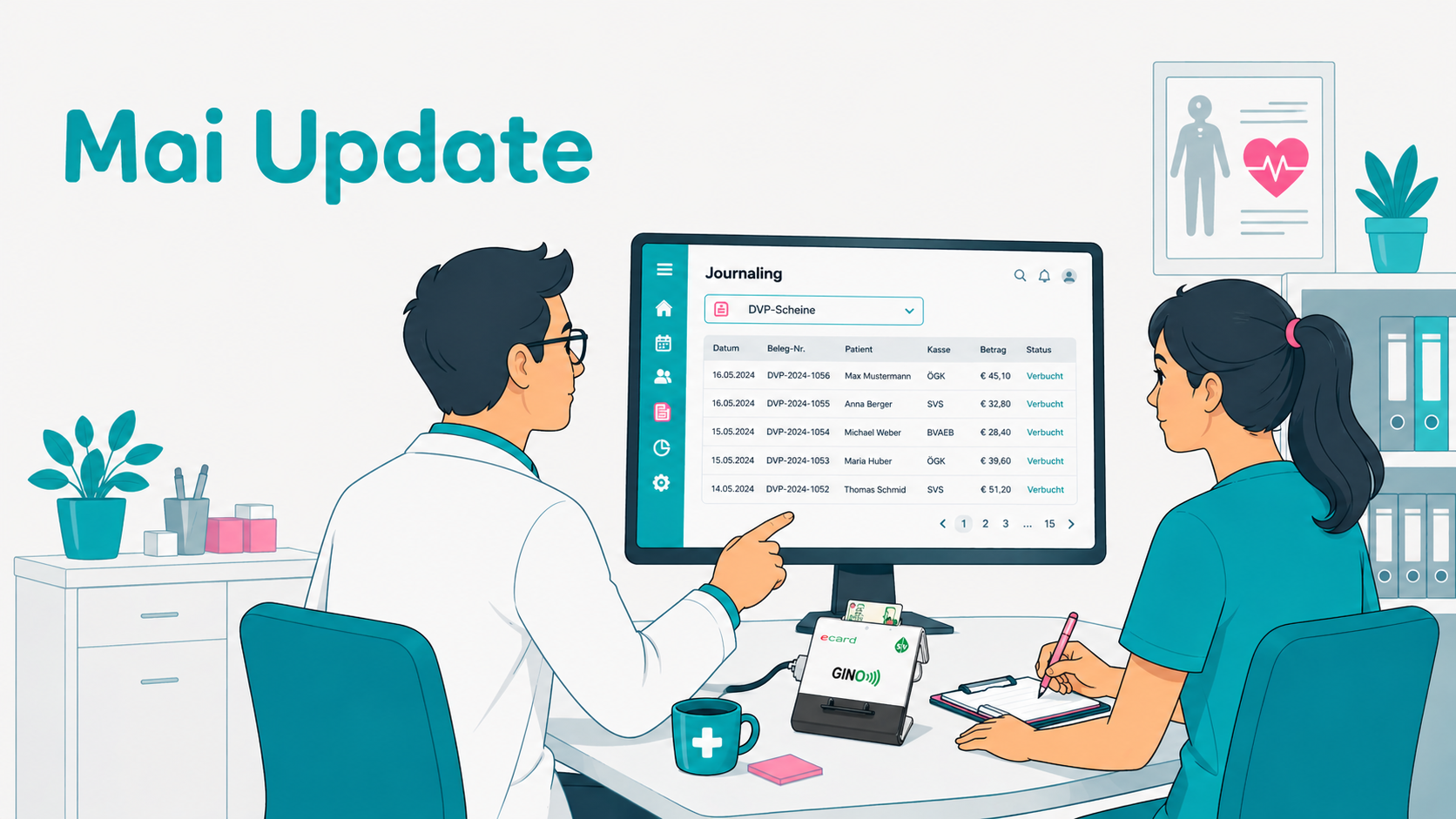
DVP — Data Exchange with Insurance Providers
Interface for electronic data exchange with Austrian health insurance providers. Billing data can be submitted directly from offisy — including feedback on billing status, errors, and corrections.
Note: Available for Austrian Praxis accounts only.
OAuth & MCP Interface
Open interfaces for connecting external systems. OAuth 2.0 enables secure authentication for third-party applications. The MCP interface allows AI assistants and automated workflows to integrate directly with offisy.
External GINO
Access your GINO device remotely — during house calls, at nursing homes, or from home office. A browser tab at the practice PC acts as a bridge between offisy and the GINO on your local network. Setup with a single link, no additional software required.
Note: Austrian Praxis accounts only.
Improvements
- Forms Editor: Contact Person Widget — Contact person fields (first name, last name, phone) are now available as linkable fields in the forms editor under Patient Record → Master Data.
- Billing Services: Journaling — New overview page under Journaling → Billing Services: all recorded services for all patients within a selectable time range, filterable by status, practitioner, and description, with configurable columns and Excel export.
- Tenants: Settings — The settings page has been redesigned and integrated into the new settings navigation.
- Medications — New overview page for own and global medications: create, edit, and delete medications. Medication history shows all changes to a medication — what was changed, by whom, and when.
- Cash Match: Transaction Overview — New overview page under Journaling → Cash Match: all bank transactions for a selectable time range with status Matched / Unmatched. Transactions can be assigned directly to an invoice.